Privacy-focusedYour videos are never uploaded
Translate subtitles
Open an SRT or VTT file, choose two languages, and AI translates each subtitle while keeping its times. It runs in your browser, so your text is never uploaded.
or choose one from your device
Videos never leave your device · Free, no sign-up · No watermark
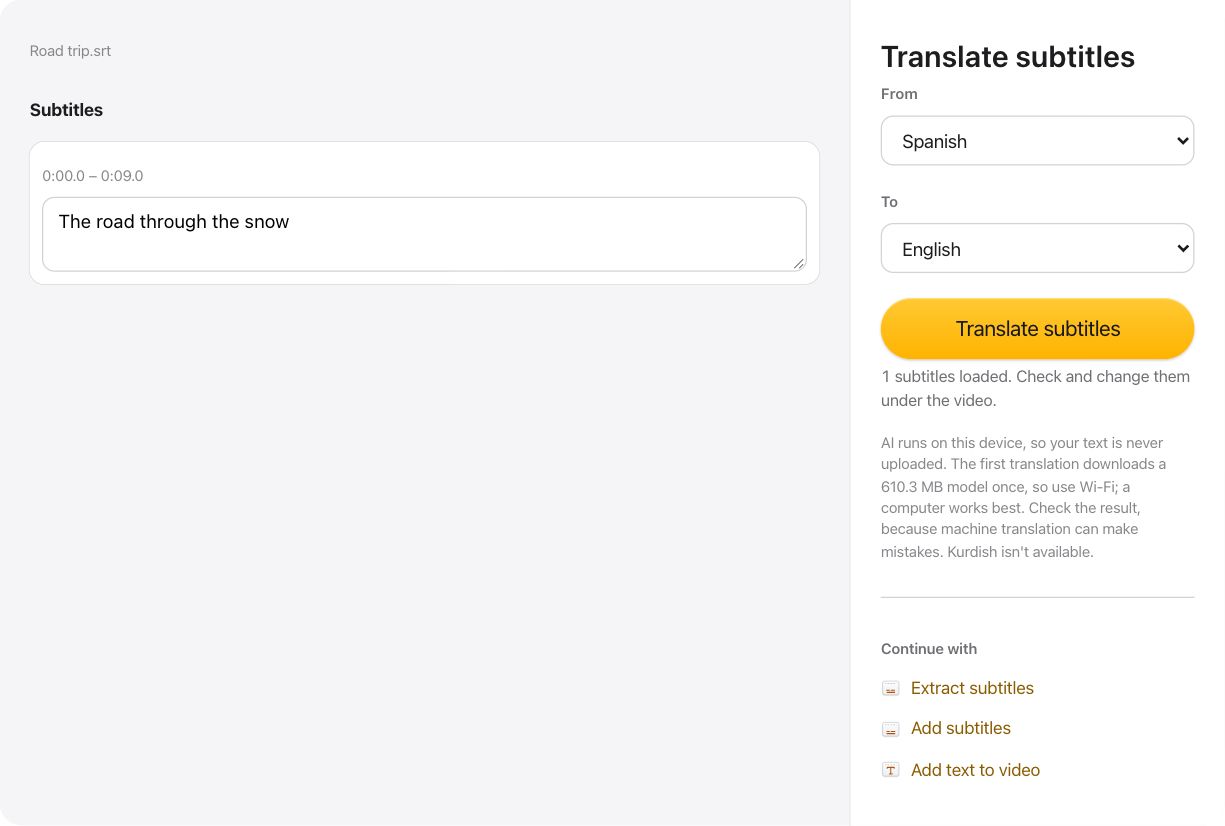
How to translate subtitles
- Open an SRT or VTT file, or drop it on the page.
- Choose the language it is in and the language you want, then select Translate subtitles.
- Correct any line, then save the translation as SRT or VTT.
Translation that stays on your device
The translation model runs in your browser tab, so your subtitles are never sent to a server. It is large: the first translation downloads about 610 MB once, and your browser keeps it for next time.
Your times stay the same
Only the words change, so the translated file still matches your video. Each subtitle is translated on its own, and the original appears above the translation.
Check before you save
Machine translation can get names, jokes and context wrong, because it sees one subtitle at a time. Every line can be edited in the list before you save it.
Questions about Translate subtitles
Are my subtitles uploaded?
No. The translation runs in your browser tab. Nothing is sent to a server.
Which languages can it translate?
About 100, including Arabic, Persian, Spanish, French, German, Hindi, Chinese and Japanese. Kurdish isn't available, and Chinese comes out in simplified characters.
Does it work on a phone?
It may, but the model needs a lot of memory, so a computer works best. Use Wi-Fi for the first download.