Privacy-focusedYour videos are never uploaded
Extract subtitles from video or audio
AI listens to your video or audio file and writes timed subtitles you can correct and save as SRT or VTT. It runs in your browser, so your file is never uploaded.
or choose one from your device
Videos never leave your device · Free, no sign-up · No watermark
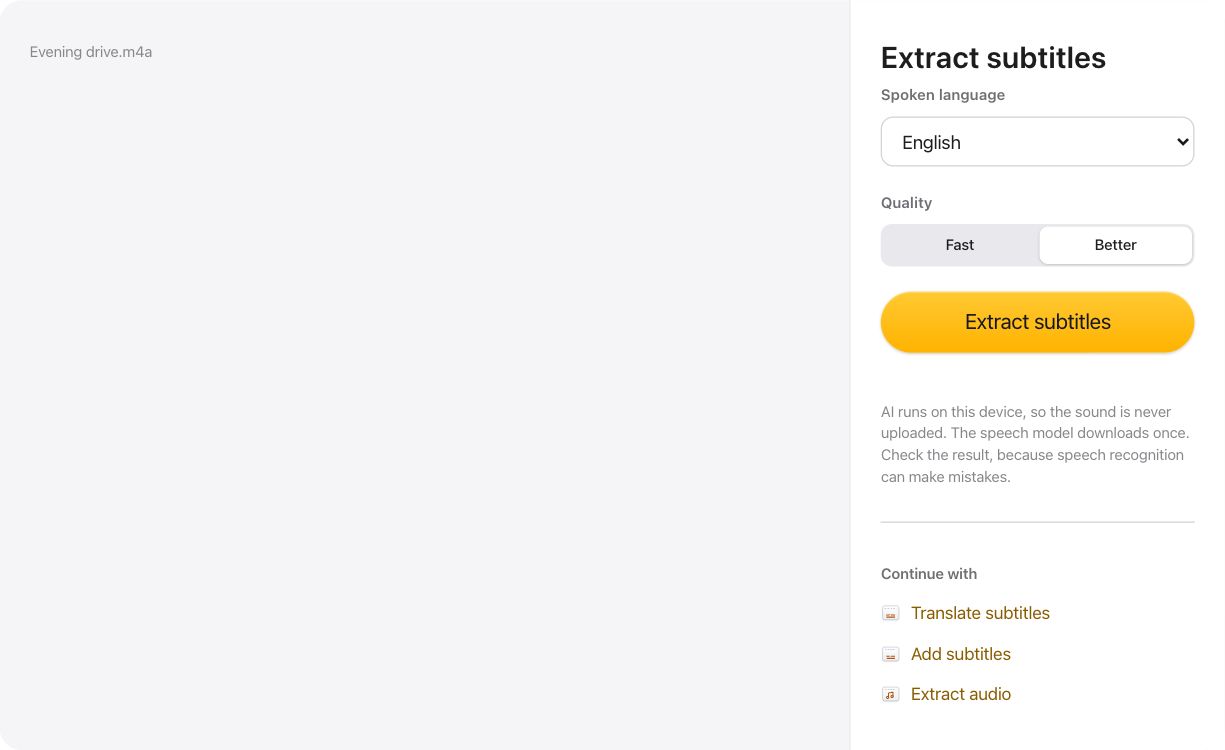
How to extract subtitles from video or audio
- Open a video or audio file, or drop it on the page.
- Choose the spoken language and quality, then select Extract subtitles.
- Correct any line, then save the subtitles as SRT or VTT.
AI that stays on your device
The speech model runs in your browser tab. It downloads once from this site and your browser keeps it, so your file is never sent to a server.
Timed and ready to use
Each subtitle has its start and end time, and long passages are split into short lines. SRT and VTT files work in most video players, editors and video sites.
Check before you save
Speech recognition can mishear names and unclear speech, especially with background noise or the faster setting. Every line can be edited in the list before you save it.
Questions about Extract subtitles
Is my file uploaded?
No. The sound is decoded and transcribed in your browser tab. Nothing is sent to a server.
Which files can I use?
Video and audio files your browser can decode, such as MP4, MOV, WebM, MP3, M4A and WAV. If one can't be read, try saving its sound as MP3 or WAV first.
Which languages does it understand?
It can detect the language itself, or you can choose one from the list. Kurdish isn't supported by the speech model.